Chess Royal Battle2.0
Publisher Description
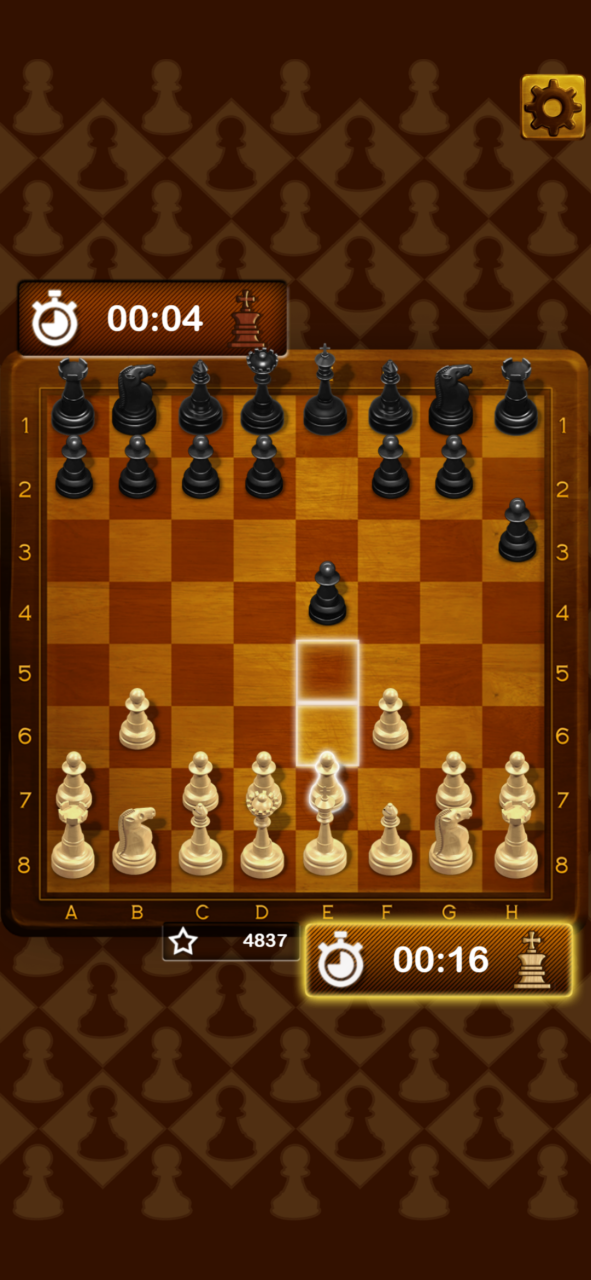
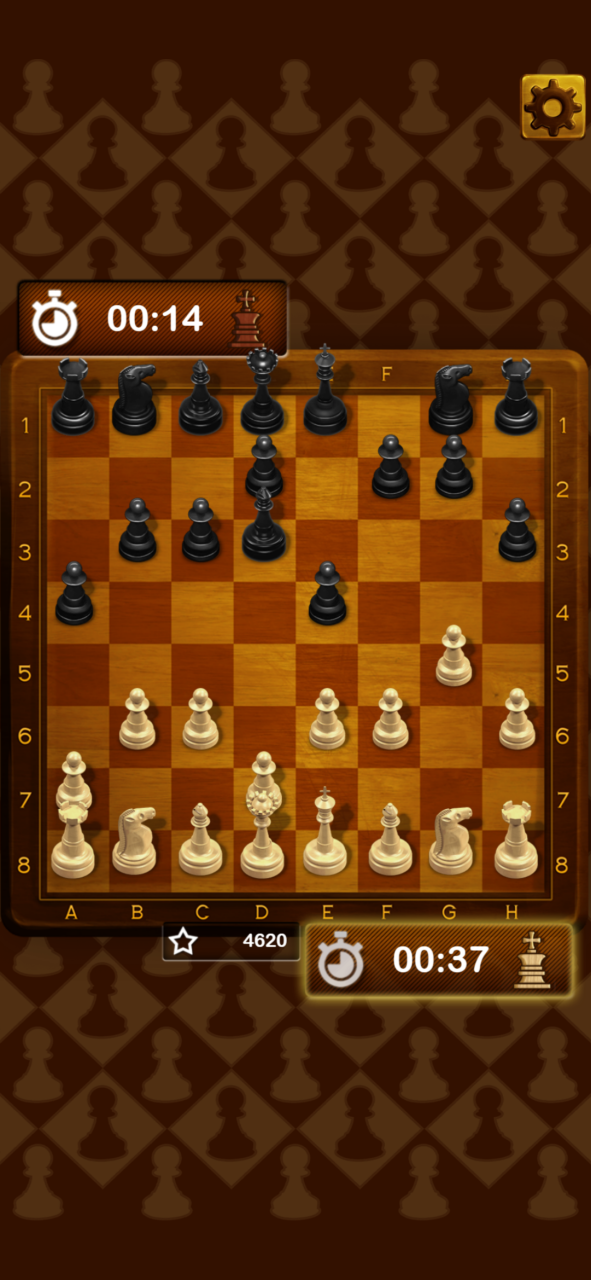
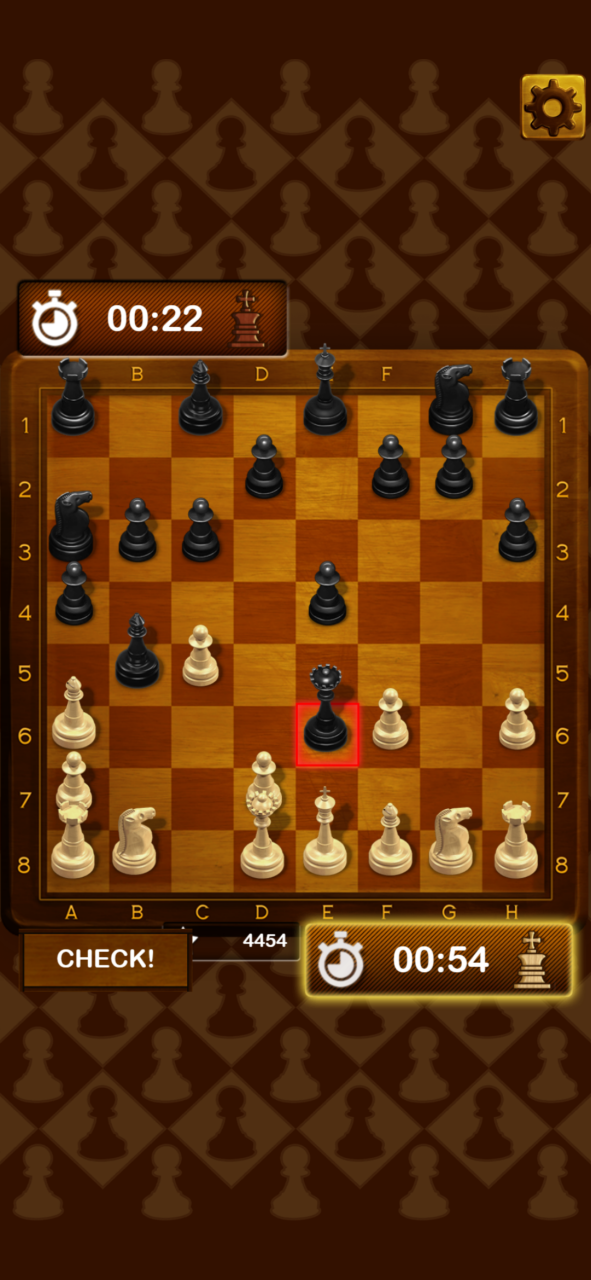
Chess, ajedrez, xadrez, satranç, Scacchi, Schach, șah, šachy, şahmat… no matter the language, no matter the name, it´s known as the best strategy game in the world! Chess is an excellent board logic game that develops such skills as tactics, strategy and visual memory. Is a two-player strategy board game played on a checkered board with 64 squares arranged in an 8×8 grid, Each player begins with 16 pieces: one king, one queen, two rooks, two knights, two bishops, and eight pawns. Touch the screen, move and drop the pieces, the objective is to checkmate the opponent's king by placing it under an inescapable threat of capture. Download and enjoy playing and developing Chess strategies and improving your Chess skill!
During the game, the two opponents take turns moving one of their pieces to a different square of the board. One player ('White') has pieces of a light colour; the other player ('Black') has pieces of a dark colour. There are rules about how pieces move, and about taking the opponent's pieces off the board. The player with white pieces always makes the first move. Because of this, White has a small advantage and wins more often than Black in tournament games.
Developing Chess strategy and improving your Chess skill! Face the challenge, and become the best chess player!
About Chess Royal Battle
The company that develops Chess Royal Battle is Cowcona. The latest version released by its developer is 2.0.
To install Chess Royal Battle on your Huawei device, just click the green Continue To App button above to start the installation process. The app is listed on our website since 2022-04-29 and was downloaded 7 times. We have already checked if the download link is safe, however for your own protection we recommend that you scan the downloaded app with your antivirus. Your antivirus may detect the Chess Royal Battle as malware as malware if the download link to C105885351 is broken.
How to install Chess Royal Battle on your Huawei device:
- Click on the Continue To App button on our website. This will redirect you to Huawei Store.
- Once the Chess Royal Battle is shown in the Huawei Store listing of your Huawei device, you can start its download and installation. Tap on the Install button located below the search bar and to the right of the app icon.
- A pop-up window with the permissions required by Chess Royal Battle will be shown. Click on Accept to continue the process.
- Chess Royal Battle will be downloaded onto your device, displaying a progress. Once the download completes, the installation will start and you'll get a notification after the installation is finished.
